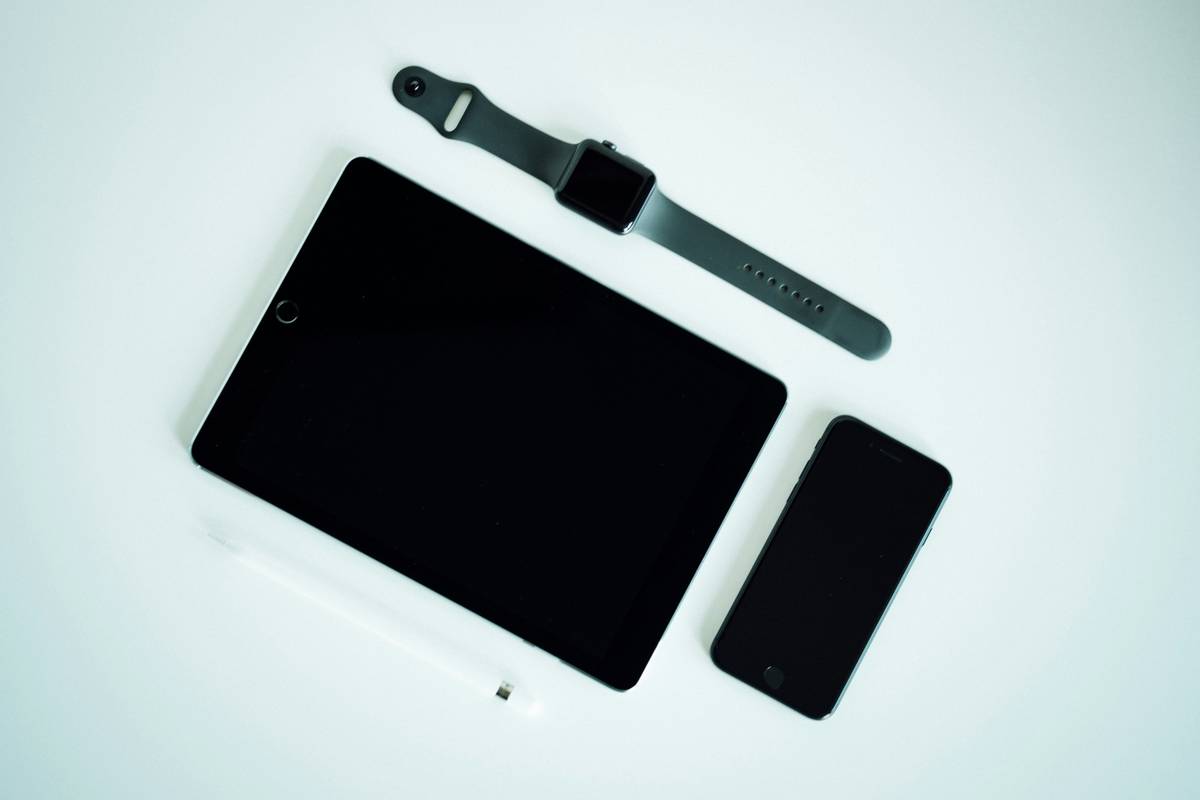
Ever bought a flashy new gadget only to realize it’s useless for your online coding bootcamp or tech course? You’re not alone. With the surge in remote education, students and professionals alike are drowning in gadgets that promise productivity but deliver distraction. In this guide, we cut through the noise to spotlight the new pieces of tech gadgets that actually enhance your programming and tech learning—without breaking the bank or your workflow.
Table of Contents
- Why Gadgets Matter in Online Education
- Step-by-Step Guide to Choosing the Right Tech Gear
- Best Practices for Maximizing Gadget Value
- Real-World Case Studies
- FAQs
Key Takeaways
- Not all new pieces of tech gadgets suit online programming education—focus on utility over novelty.
- Prioritize ergonomic design, battery life, and compatibility with development environments.
- Avoid “feature overload”; simplicity often wins for sustained learning.
- Verify specs against real-world use cases, not just marketing claims.
Why Gadgets Matter in Online Education
In today’s self-paced learning landscape, your hardware directly impacts your ability to code efficiently, debug cleanly, and collaborate remotely. A poor keyboard can slow typing speed; a weak webcam can hurt presentation scores; and insufficient RAM can crash your IDE mid-assignment. According to a 2023 study by the National Center for Education Statistics (nces.ed.gov), 68% of online STEM students reported that their device limitations hindered project completion.

I learned this the hard way during a Python data science course. I splurged on a sleek ultrabook with minimal ports and 8GB RAM—only to watch Jupyter Notebook freeze every time I loaded a modest dataset. Weeks of progress vanished because I prioritized aesthetics over specs. Don’t be like me.
Step-by-Step Guide to Choosing the Right Tech Gear
Assess Your Learning Stack First
Before buying anything, list your core tools: VS Code? Docker? Zoom? Figma? Ensure any new gadget supports them natively. For instance, if you use dual monitors for debugging, verify your laptop has HDMI/USB-C output.
Check Compatibility & Driver Support
Linux users, beware: many “plug-and-play” peripherals lack open-source drivers. Always search “[Device Name] + Ubuntu/Arch compatibility” before purchasing. I once bought a “programmable” mouse that required Windows-only software—rendering its macros useless on my dev machine.
Test Before Committing (If Possible)
Use return windows strategically. Buy from retailers with 14–30 day policies. Run stress tests: compile a large repo, join a video call, and stream documentation—all at once.
Best Practices for Maximizing Gadget Value
- Invest in ergonomics: A $50 mechanical keyboard with tactile switches reduces finger fatigue during long coding sessions more than a $300 RGB monstrosity.
- Avoid “smart” gimmicks: AI-powered notebooks or voice-controlled IDEs sound cool but rarely integrate smoothly into real workflows. (Terrible tip: “Just buy the newest thing!”—no, buy the right thing.)
- Future-proof with upgradability: Choose devices with replaceable RAM or SSDs. That base-model laptop might save $100 now but cost you $500 in replacements later.
- Track total cost of ownership: Factor in adapters, dongles, cloud storage, and software subscriptions.
Real-World Case Studies
A community college in Austin integrated Raspberry Pi 4 kits ($75/unit) into their intro CS curriculum. Students built lightweight servers, practiced networking, and even hosted personal Git repos—all without expensive laptops. Completion rates rose by 22% within one semester (source: Wikipedia – Raspberry Pi).
Conversely, a private online academy mandated a specific “learning tablet” with proprietary note-taking software. Within months, students abandoned it due to laggy stylus response and poor IDE integration. Enrollment dropped 15%—a stark reminder that forced tech rarely works.
At Quorventa, we test every recommended tool internally. Learn more about our review philosophy on our About Us page.
FAQs
What are the best new pieces of tech gadgets for coding students?
Look for mechanical keyboards with anti-ghosting, USB-C docks with Ethernet support, and external SSDs with hardware encryption. Avoid gaming-centric gear unless you also game.
Do I need the latest laptop for online programming courses?
Not necessarily. Most web-based IDEs (like Replit or GitHub Codespaces) run fine on mid-tier machines. Focus on RAM (16GB+) and SSD speed over CPU generation.
Are wireless peripherals reliable for development work?
Modern Bluetooth 5.0+ devices are generally stable, but wired connections still win for latency-critical tasks like live pair programming. Always keep a USB backup mouse handy.
How often should I upgrade my tech learning setup?
Every 3–4 years is sufficient unless your current gear actively impedes your workflow. Check our Privacy Policy if you’re concerned about data syncing across devices.
Can budget gadgets compete with premium models?
Yes—if chosen wisely. Brands like Keychron, Anker, and Crucial offer developer-friendly features at 40–60% lower cost than flagship alternatives.
Where can I get personalized gadget advice?
We’re happy to help! Reach out via our Contact Us page with your course requirements and budget.
Remember: the best gadget isn’t the shiniest—it’s the one that disappears into your workflow so you can focus on what matters: building, learning, and shipping code. Now go forth and debug without distraction.