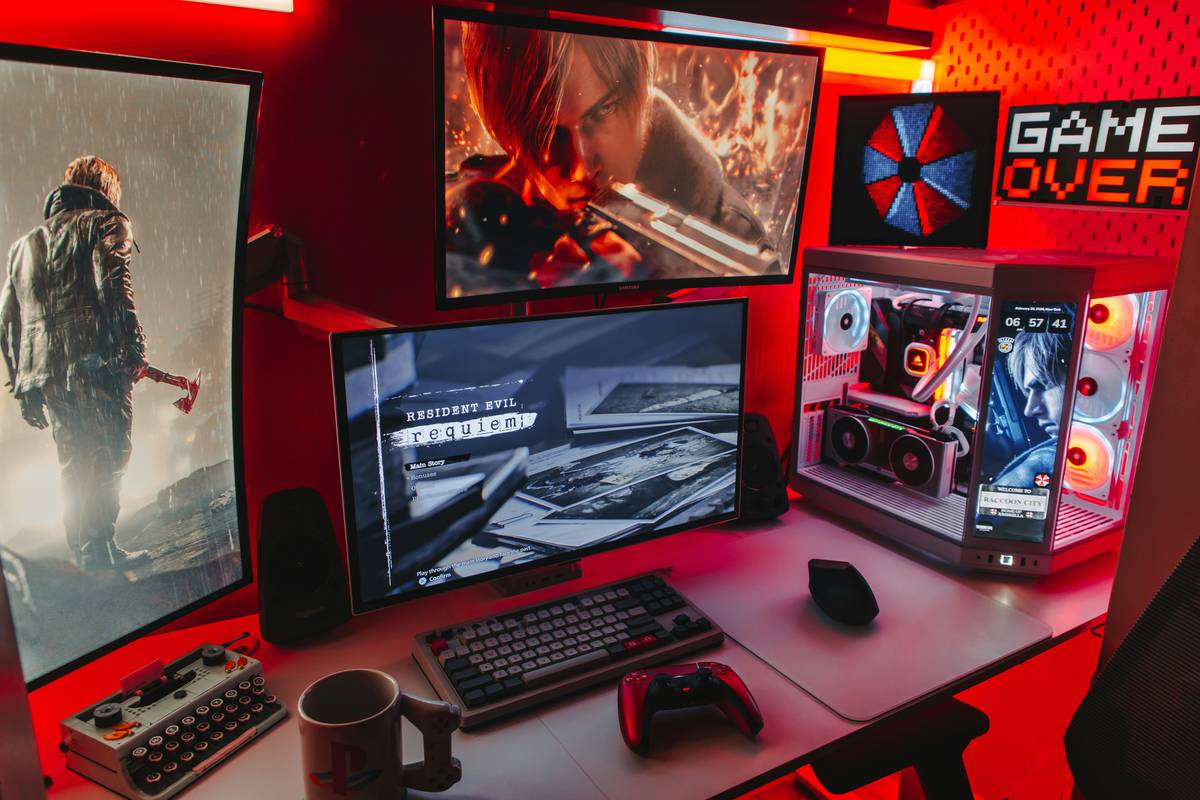
Most “tech guide for gaming” articles drown you in spec sheets and affiliate links—zero real-world insight. You’re left wondering why your ₹80,000 rig stutters in competitive shooters while your friend’s budget build dominates. The problem isn’t your budget. It’s bad advice dressed as expertise.
Why Generic Gaming Tech Guides Fail Miserably
They treat every gamer like they’re building a Twitch-ready powerhouse. Not true. A Valorant player needs latency control—not RGB-lit water cooling. And a Minecraft modder? RAM and CPU cache matter more than ray tracing.
Worse—most reviews test gear in synthetic benchmarks that have nothing to do with actual gameplay. You get 300 FPS in a benchmark… then 60 FPS in Warzone because thermal throttling kicked in after two minutes.
And yes—some brands pay for “unbiased” verdicts. Look closely at disclaimers buried in footnotes.
tech guide for gaming: Your No-BS Step-by-Step Build Strategy
Forget chasing the latest GPU. Start here.
Match Hardware to Your Actual Play Style
If you play fast-paced esports (CS2, Apex, Rocket League), prioritize high refresh rate monitors (144Hz+) and low-latency peripherals. Raw GPU muscle? Secondary.
Thermal Headroom > Peak Clock Speed
A mid-tier CPU with excellent airflow will outperform a flagship part choked by poor case ventilation. Dust buildup alone can drop FPS by 15% over six months.
Storage Hierarchy Matters More Than You Think
Install your OS and primary games on NVMe Gen4—but keep older titles on a SATA SSD or even a fast HDD. Loading screens won’t punish you if you manage storage smartly.
| Component | Budget Tier (<$700) | Performance Tier ($700–$1,400) | Enthusiast Tier (>$1,400) |
|---|---|---|---|
| CPU | Intel i5-13400F / Ryzen 5 7600 | Ryzen 7 7800X3D (gaming king) | Intel i9-14900K (overkill for pure gaming) |
| GPU | RTX 4060 / RX 7600 | RTX 4070 Ti Super | RTX 4090 (only if 4K + productivity workloads) |
| RAM | 16GB DDR5-6000 CL30 | 32GB DDR5-6000 CL30 | 32GB+ DDR5-6400+ (diminishing returns) |
| PSU | 650W 80+ Gold | 850W 80+ Gold Fully Modular | 1000W+ Platinum (for dual GPUs—rare) |
The Industry Secret: Frame Pacing Beats Raw FPS Every Time
Here’s what no one tells you: 1% lows and frame time consistency impact smoothness far more than peak FPS. A system hitting a stable 90 FPS feels better than one jumping between 60–180 FPS—even if the average is higher.
NVIDIA Reflex and AMD Anti-Lag exist for a reason. Enable them. But also—disable unnecessary background apps (yes, Discord overlays hurt). One dev I spoke with admitted their optimization suite actually *adds* input lag in some games. Always test settings blindfolded (metaphorically)—feel the difference, don’t just read the numbers.
And this: monitor response times are often inflated by manufacturers. Look for independent Blur Busters Verified ratings—not the box spec.
Frequently Asked Questions
Is a high refresh rate monitor worth it for casual gamers?
Only if you consistently hit 100+ FPS. Otherwise, a 60Hz IPS panel gives better color accuracy for media consumption—and saves cash for GPU upgrades.
Do I need DDR5 RAM for gaming in 2024?
Not really. DDR5 helps only with Ryzen 7000/X3D CPUs. For Intel 13th/14th gen or older AMD, fast DDR4 still delivers 95% of gaming performance at half the cost.
Can integrated graphics handle modern games?
Surprisingly—yes, but barely. Intel Arc Graphics in Core Ultra chips can run GTA V or Fortnite at 720p Low. Don’t expect AAA titles at playable framerates, though.