You’re drowning in tabs, losing hours to slow builds, and your neck aches from hunching over a laptop. Standard setups cripple productivity—especially when you’re coding, debugging, or attending back-to-back virtual classes. The fix? A curated suite of must have tech gadgets engineered not just for function—but flow.
Why Most “Essential Gadget” Lists Fail Developers
They’re written by marketers—not people who’ve shipped production code at 2 a.m. Most lists push flashy wearables or overpriced smart desks that collect dust. Real programming work demands reliability, low-latency input, and ergonomic sustainability. Not RGB lighting.
And here’s the kicker: the best tools often look boring. No hype. No app required. Just silent, relentless performance—exactly what your workflow needs.
must have tech gadgets: A Practical Buyer’s Framework
Forget one-size-fits-all checklists. Your stack should mirror your actual routine—whether you’re grinding LeetCode problems, managing GitHub repos, or streaming lectures across time zones.
Ergonomic Precision Over Aesthetic Flair
A mechanical keyboard with tactile switches reduces finger fatigue during marathon sessions. But skip the $200 “gamer” models. Look for hot-swappable PCBs and ANSI layouts—programmers rarely need macro keys.
Display Real Estate = Mental Clarity
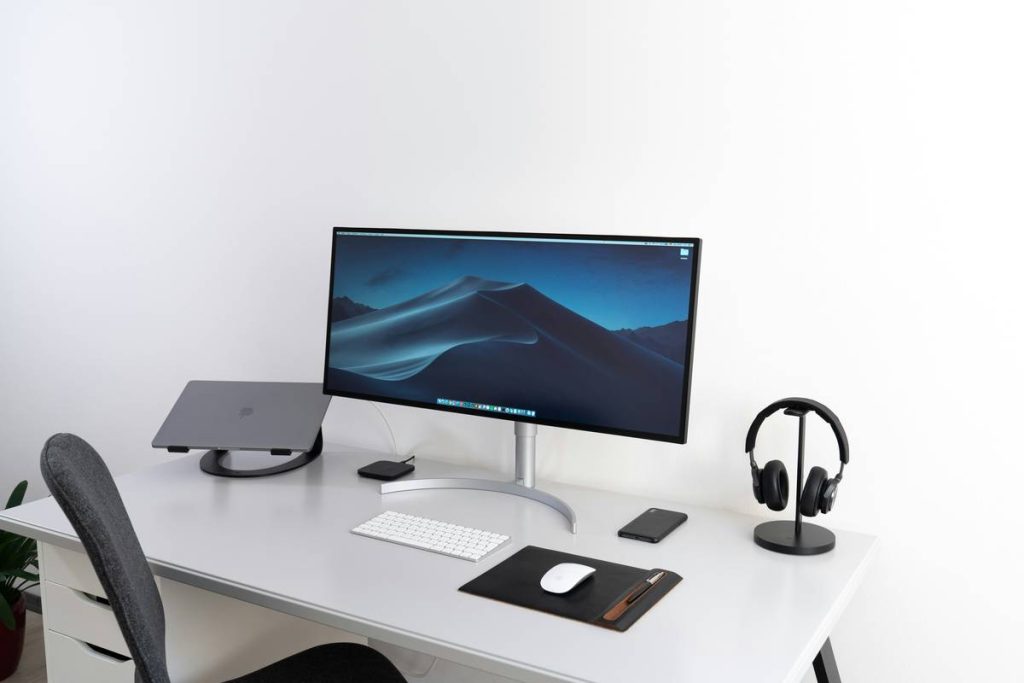
Dual monitors aren’t optional—they’re oxygen. One screen for your IDE, the other for docs, Slack, or Zoom. Resolution matters less than consistent color calibration if you’re doing frontend work.
Battery Life That Respects Your Time
If your laptop dies before your coffee goes cold, you’ve already lost. Prioritize devices with real-world battery tests—not manufacturer claims.
| Gadget Category | Budget Pick (<$150) | Pro Tier ($150–$400) | Overkill (>$400) |
|---|---|---|---|
| Keyboard | Keychron Q1 (75%) | Ducky One 3 SF | Custom GMMK Pro build |
| Monitor | Dell P2422H | LG 27UP850-W (4K) | Apple Studio Display |
| Laptop Stand | Rain Design mStand (refurb) | Twelve South Curve | Humanscale Float |
| Webcam | Logitech C920 | Razer Kiyo Pro | Elgato Facecam |
The Industry Secret: Your Best Gadget Is Invisible
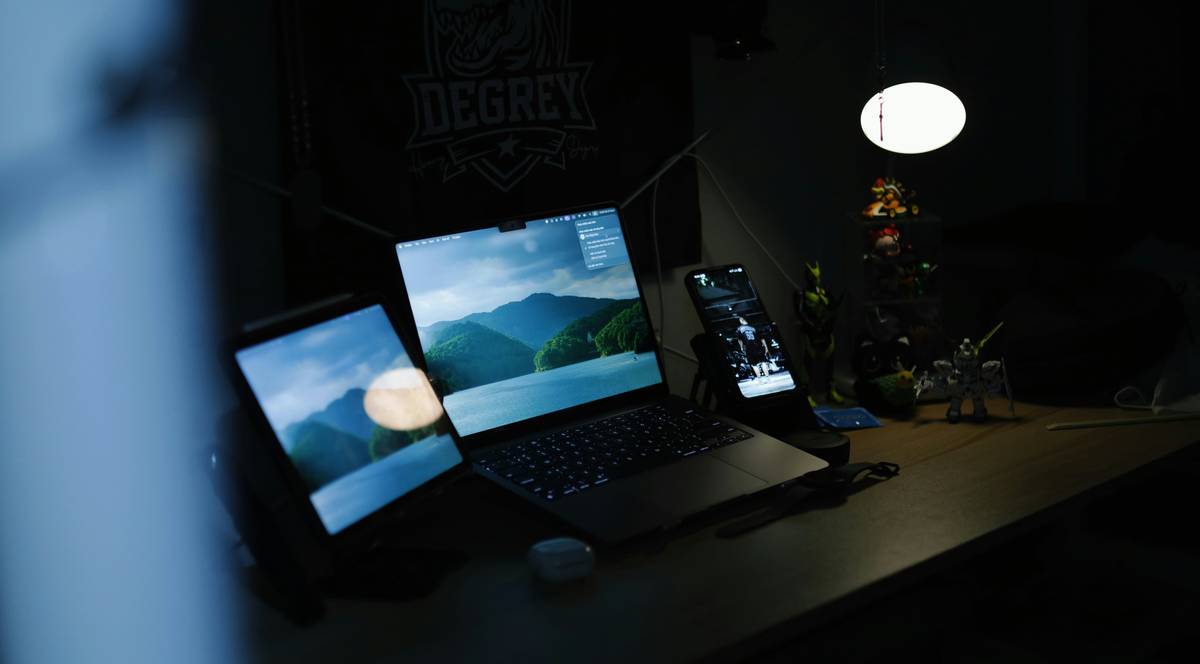
Top remote engineers don’t obsess over gear—they optimize for frictionless context switching. The real “must have tech gadgets” are those that disappear into your workflow. Think: a USB-C dock that auto-connects peripherals, or a pair of open-back headphones that let you hear your own voice during calls without echo.
Here’s an unspoken truth: clutter kills velocity. Every cable, every unnecessary notification, every extra click is cognitive tax. The elite minimize interface—not maximize specs.
And yes—this includes ditching that second phone just for Discord. Consolidate. Automate. Vanish into the work.
Frequently Asked Questions
What are the must have tech gadgets for coding on a budget?
A reliable mechanical keyboard, one good external monitor, and a basic USB-C hub cover 90% of needs under $200. Skip fancy webcams—your built-in mic often suffices.
Do I really need two monitors for programming?
Not “need”—but you’ll move 30% faster. Code on one, browser/docs on the other. It’s the cheapest performance boost you’ll ever buy.
Are noise-cancelling headphones worth it for online classes?
If your environment has unpredictable noise—yes. But prioritize mic clarity over ANC. A bad mic ruins collaboration; background hum rarely does.